Accessing Outlook on the Web
Accessing Outlook on the Web
Outlook on the web allows you to access your Truman email, calendar, contacts, and other Microsoft 365 services using an internet browser. You do not need to install any software.
Instructions
- Open a web browser such as Microsoft Edge, Google Chrome, or Firefox.
- Navigate to Outlook on the Web
- Select Sign In if prompted.
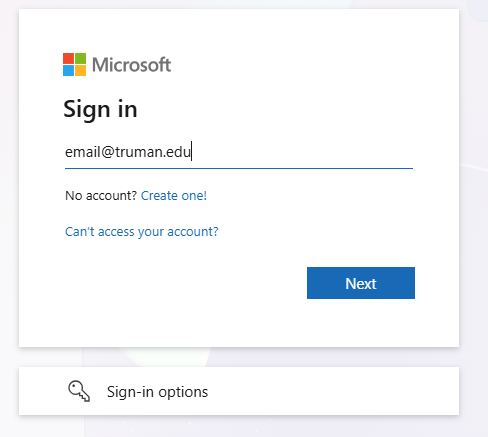
- Enter your full Truman email address.
- Enter your Truman password.
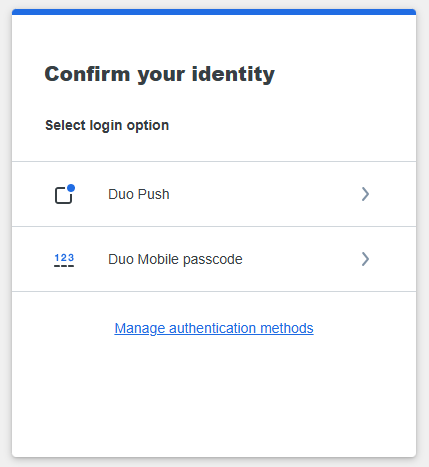
- Complete the Duo authentication prompt if requested.